AI Crochet Assistant: What It Can (and Can't) Help With
How to use an AI crochet assistant to decode patterns, fix mistakes and convert terms, plus 20 prompts that work and the limits you should know about.
By Ayoub Farid · · 4 min read
It's late, you're on row 14, and the pattern says "work 2 dc in next ch-2 sp, ch 1, sk next 2 sts". You read it three times and still don't get it. Nobody you know crochets, and the designer won't answer email until Monday.
This is exactly what an AI crochet assistant is good for. It's also easy to use badly: AI can sound certain while being wrong. Here is how to get real help from one.
What an AI crochet assistant is good at
Explaining pattern language
Abbreviations, brackets, asterisks and stitch counts are where most beginners get stuck. An assistant can rephrase a line in plain words and walk you through it step by step. Paste the exact line, not a summary.
"Explain this line like I'm a beginner: sk 2 sts, 5 dc in next st, sk 2 sts, sc in next st; rep from across."
Troubleshooting
Describe what you see, and the assistant can list the likely causes. Classic examples:
- "My scarf is getting wider." Usually an extra stitch at the start or end of rows.
- "My granny square is twisting." Usually a missing chain between clusters or turning when you shouldn't.
- "My amigurumi has holes." Usually the hook is too big for the yarn.
Our guide to common crochet mistakes covers these in detail.
Converting terms and units
US to UK terms, inches to centimeters, hook letters to millimeters. Quick facts like these are where AI is consistently reliable, and you can double-check them against our US vs UK terms and hook size chart.
Planning
"How much worsted yarn for an adult scarf?" "How many stitches for a 56 cm head circumference?" You'll get a reasonable starting estimate, which you then confirm with a swatch.
What it can't do (yet)
- See your work unless you show it. Words like "it looks weird" give it little to go on. Describe stitch counts, or use a photo-based tool like a stitch identifier.
- Guarantee stitch counts. AI is weaker at arithmetic over many rounds. Always recount your own rounds.
- Replace the designer. If a published pattern seems to have an error, check the designer's errata page first.
- Write reliable original patterns. AI-generated patterns, especially 3D amigurumi, often don't produce the shape they claim. Use tested patterns from real designers.
20 prompts that work
Understanding a pattern
- "What does 'ch 3 counts as dc' mean and where do I put my last stitch?"
- "Explain sc2tog step by step."
- "In this pattern, what do the numbers in parentheses at the end mean: (24)?"
- "What's the difference between a ch-2 space and the next stitch?"
- "Translate this UK pattern line into US terms: [paste]."
Fixing problems
- "My edges are wavy and the piece is curling. I'm using a 4 mm hook with worsted yarn."
- "I counted 23 stitches instead of 24 at the end of round 4. What should I do?"
- "How do I fix a dropped stitch three rows back?"
- "My magic ring keeps coming undone."
- "Why is my granny square cupping instead of lying flat?"
Planning
- "How much yarn do I need for a 130 × 160 cm blanket in DK?"
- "What hook should I use with sport weight cotton for coasters?"
- "How do I size a beanie for a 54 cm head?"
- "Suggest a first project that teaches double crochet."
- "What yarn should I avoid as a beginner?"
Learning
- "What is gauge and why does it matter for a hat but not a scarf?"
- "What's the difference between front loop only and back loop only?"
- "How do I read a crochet symbol chart worked in rounds?"
- "What's the difference between a puff, a bobble and a popcorn stitch?"
- "How do I join a new ball of yarn invisibly?"
Tips for better answers
- Give context: yarn weight, hook size, what round you're on, the exact pattern line.
- Ask for steps, not summaries: "step by step, one yarn over at a time".
- Ask it to check itself: "Count the stitches after each repeat and show the total."
- Verify on the hook. If an answer doesn't match what happens in your hands, say so and ask again.
Try it in HookWise
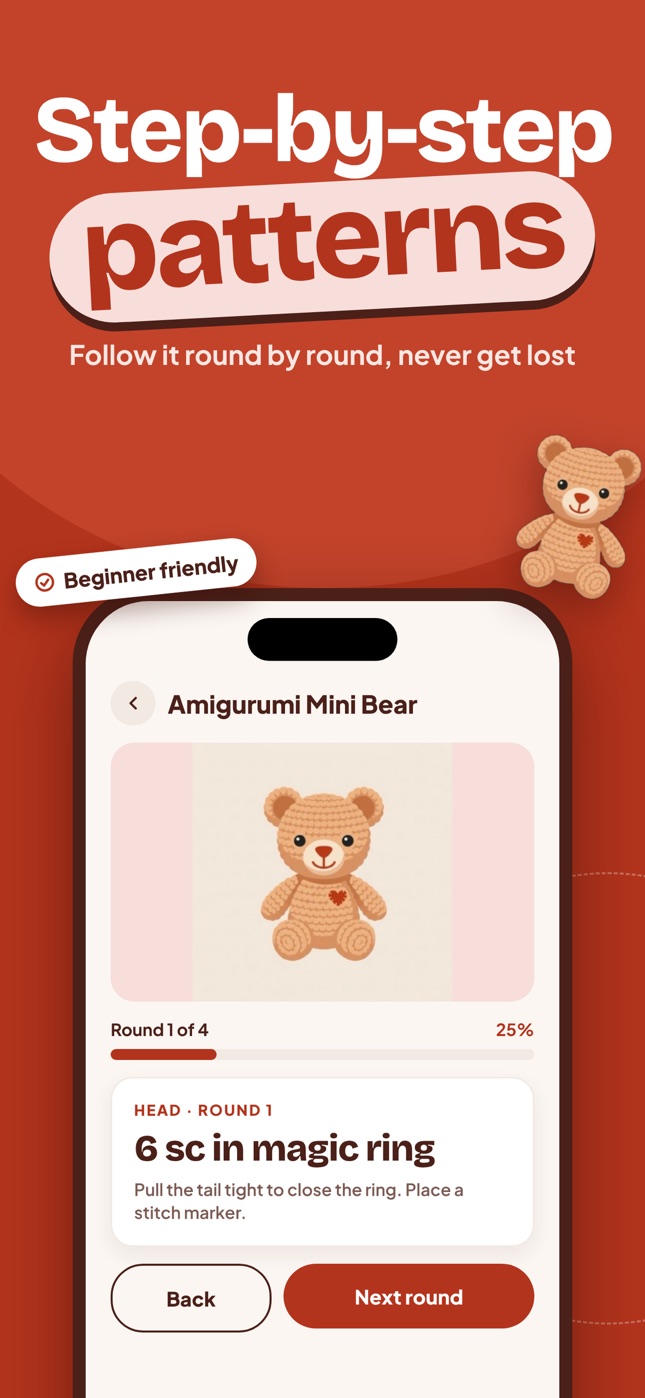
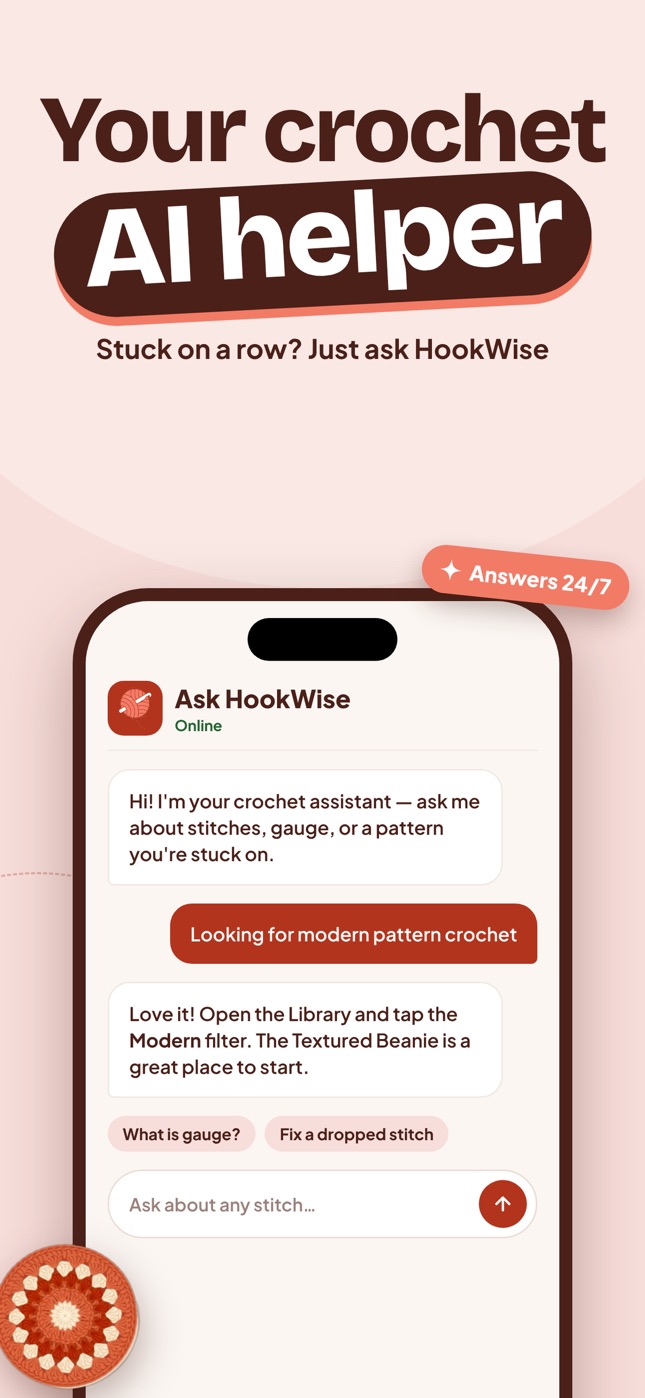
HookWise includes Ask HookWise, a crochet assistant you can open while you follow any pattern in the app. Because HookWise patterns are already split into rounds, you can ask about the exact round you're on. When words aren't enough, scan the piece with the stitch & yarn identifier instead.
Frequently asked questions
Can AI help me learn to crochet?
Yes, as a tutor for questions: explaining abbreviations, pattern lines and why something went wrong. Combine it with a video or step-by-step beginner guide for the hand movements.
Can ChatGPT or other AI write crochet patterns?
It can produce text that looks like a pattern, but it is often not tested and the stitch counts or shaping may not work, especially for amigurumi. Use AI to understand patterns, and use tested patterns from designers to make things.
Is an AI crochet assistant accurate?
It's reliable for definitions, conversions and common troubleshooting, and less reliable for long stitch-count calculations. Treat answers as advice and confirm with your own stitch counts.
Is Ask HookWise free?
HookWise is free to download and the pattern library is free to browse. Unlimited AI helper chat is part of HookWise Premium, a weekly or yearly subscription.
Crochet with a coach in your pocket
Learn to crochet with HookWise
94 step-by-step patterns that save your place, AI stitch & yarn identification from one photo, and an AI helper for when you get stuck. Free to download on iPhone.
Free on iPhoneDownload on the App Store