Best Crochet Apps for Beginners (2026): What Each One Does
Compare the best crochet apps for beginners: pattern players, row counters, stitch identifiers and AI helpers, and what to look for before you download.
By Ayoub Farid · · 5 min read
Search "crochet" in the App Store and you'll get dozens of apps: row counters, pattern libraries, video courses, stash trackers and, recently, apps that use AI to identify stitches from a photo. They are not interchangeable. A row counter is wonderful once you can already read a pattern, and almost useless on the day you are trying to make your first chain.
This guide sorts crochet apps by what they actually help with, so you can pick the one (or two) that fit where you are right now. We make HookWise, so we'll say plainly where it fits and where another type of app is the better choice.
What a beginner actually needs from a crochet app
Before comparing apps, it helps to know which problems trip up new crocheters. In our experience, and in nearly every beginner forum thread, they are the same five:
- Not knowing what to make first. Many "easy" patterns online assume you already know how to count stitches and read abbreviations.
- Losing your place. You put the project down, come back the next evening, and can't tell whether you finished round 6.
- Pattern language. "Sc2tog, ch 3 (counts as dc), rep from * to end" is a foreign language at first. See our crochet abbreviations chart.
- Not recognizing a stitch. You love a cardigan on Pinterest but have no idea what stitch it is.
- Getting stuck with nobody to ask. Your scarf is getting wider, and it's 11 pm.
The best crochet app for beginners is the one that solves the problem you hit most often.
The main types of crochet apps
1. Guided pattern players
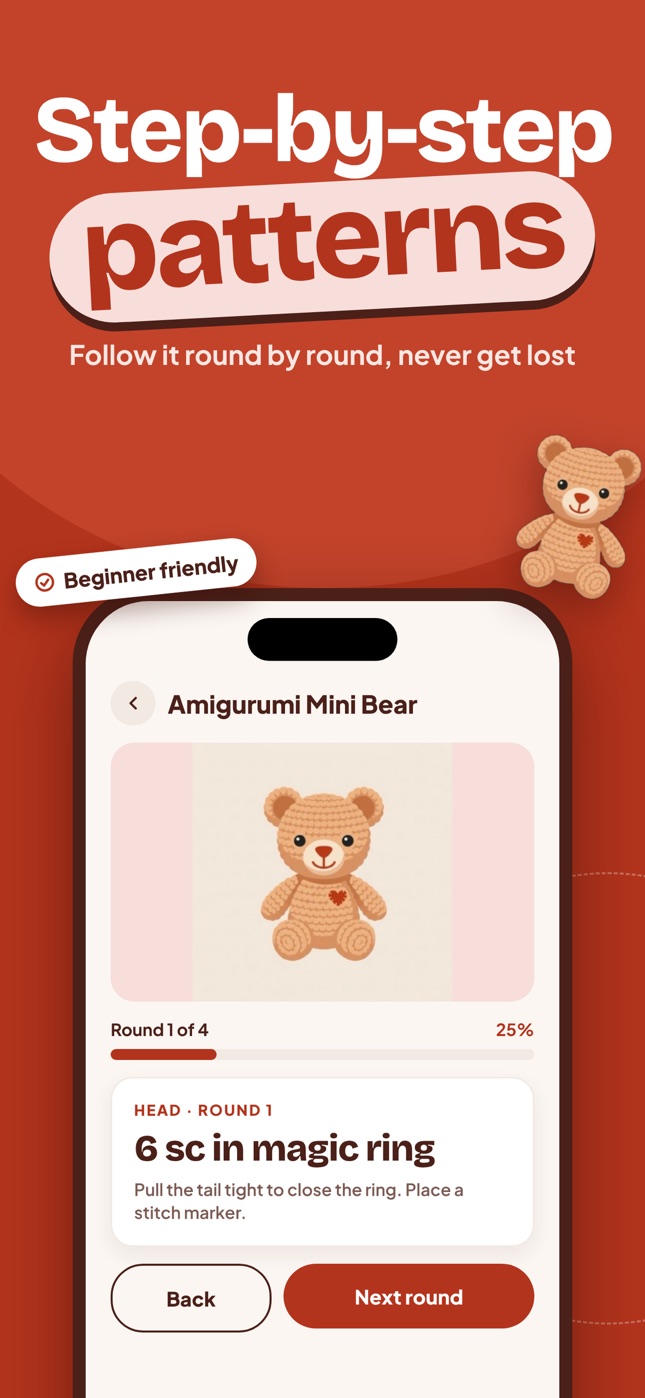
These apps break a pattern into steps or rounds and show you one at a time, usually with a progress bar. This is the closest thing to having someone read the pattern to you.
Good for: total beginners, people who lose their place, anyone who finds a wall of pattern text overwhelming. Watch out for: the size of the library and whether patterns cover your interests (amigurumi, wearables, home decor).
2. Row and stitch counters
The classic crochet app. You tap a big button at the end of every row. Many let you keep several counters per project, add notes, or link a PDF pattern. App Store listings show plenty of options, from simple free counters to apps with iCloud sync, widgets and Apple Watch support.
Good for: crocheters who already have patterns (from books, Etsy or Ravelry) and just need to keep count. Watch out for: they don't teach you anything. If you don't know how to read the row, counting it won't help.
3. Pattern libraries and databases
Large collections of patterns, free and paid. Ravelry's website is the best-known database of knitting and crochet patterns, and there are also apps with their own curated libraries.
Good for: finding your next project once you know the basics. Watch out for: quality and difficulty labels vary a lot between designers.
4. Stitch and yarn identifiers
A newer category: you take a photo of a crochet piece, and AI tells you the likely stitch, yarn weight and hook size. We explain how this works (and its limits) in our guide to crochet stitch identifiers.
Good for: recreating something you saw, identifying mystery yarn from your stash, learning stitch names. Watch out for: results are estimates. Lighting, fuzzy yarn and unusual stitches reduce accuracy.
5. AI crochet helpers
Chat assistants that answer crochet questions: what a stitch abbreviation means, why your edges are wavy, how to convert UK terms to US. See how to use an AI crochet assistant well.
Good for: quick answers at any hour. Watch out for: AI can be confidently wrong, especially about stitch counts. Use it to understand, then check against your work.
Comparison: which app type fits you?
| You are... | Start with | Add later |
|---|---|---|
| Never held a hook | Guided pattern player | AI helper |
| Following PDF patterns already | Row counter | Pattern library |
| Trying to copy a piece you saw | Stitch identifier | AI helper |
| Stuck on one specific row | AI helper | Guided patterns |
| Building a big project queue | Pattern library | Row counter |
Where HookWise fits
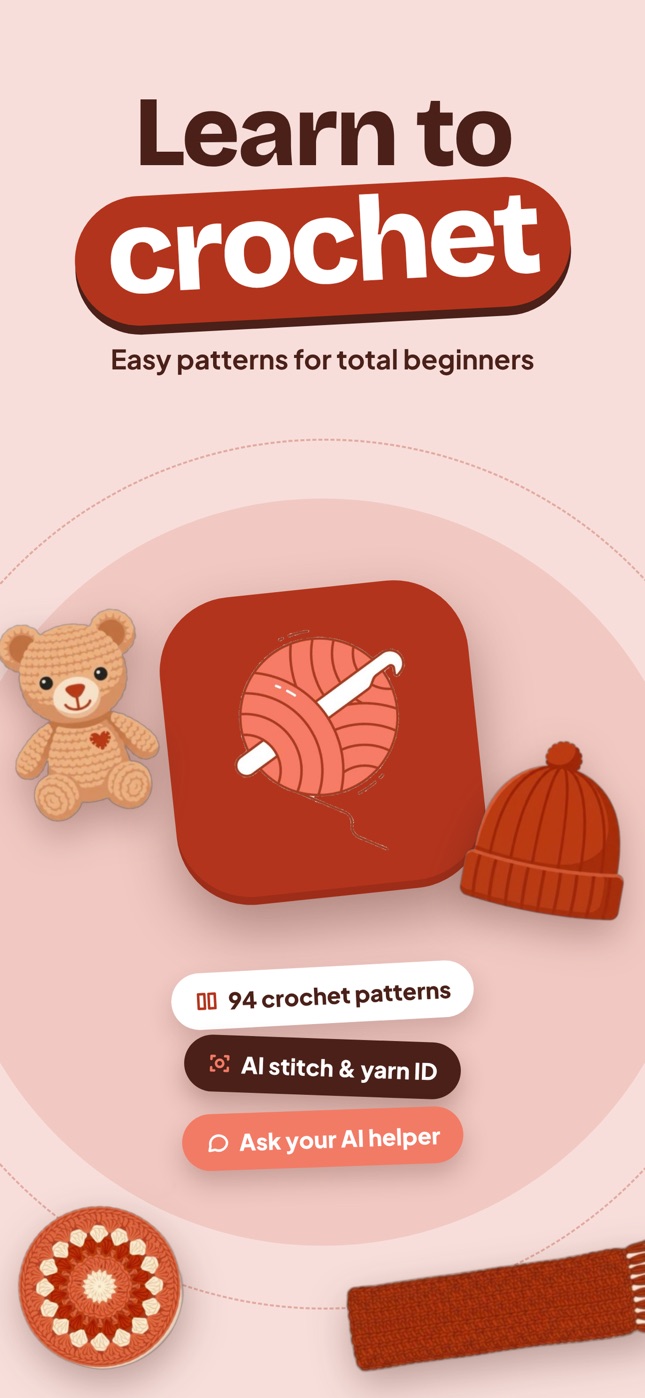
HookWise combines a guided pattern player, a stitch & yarn identifier and an AI helper in one iPhone app, built specifically for beginners:
- 94 patterns and growing, from a 15-minute granny square coaster to amigurumi, beanies, scarves, baby booties, baskets and public-domain vintage designs. Each pattern is split into rounds with a progress bar, and your place is saved.
- AI stitch & yarn ID: snap one photo, get the likely stitch, yarn weight, fiber and a hook size suggestion.
- Ask HookWise: a chat assistant for stitch, gauge and pattern questions.
Browsing the pattern library is free. HookWise Premium (a weekly or yearly subscription) unlocks every in-app pattern, unlimited scans and unlimited chat.
What HookWise is not: it's not a stash manager, and it's not a home for PDF patterns you bought elsewhere. If that's mainly what you need, a dedicated row counter is the better tool.
How to choose: a quick checklist
- Does it teach, or only count? Beginners need teaching first.
- Does it save your progress per project? Essential once you have more than one project going.
- Are the patterns written in US or UK terms? Mixing them is a classic beginner trap. See US vs UK crochet terms.
- Is pricing clear? Look for what's free and what's behind a subscription before you start a pattern.
- Does it work offline? Handy for crocheting on trains and planes (AI features need a connection).
Frequently asked questions
What is the best crochet app for complete beginners?
Pick an app that walks you through patterns step by step rather than a plain row counter. A guided pattern player (like HookWise) teaches you to read patterns while you make something real, which is faster than learning stitches in isolation.
Are crochet apps free?
Most are free to download. Row counters are often fully free or a one-time purchase; apps with large libraries or AI features usually have a subscription for full access. Check the in-app purchase list on the App Store page.
Can an app replace YouTube tutorials?
Not entirely. Videos are still the best way to see hand movements for your first chain and single crochet. Use our beginner guide and videos for the motions, and an app to follow patterns and keep your place.
Do I need more than one crochet app?
Usually not at the start. One app that guides patterns and answers questions is enough for your first few projects. Add a row counter or pattern database once you start buying patterns from designers.
Crochet with a coach in your pocket
Learn to crochet with HookWise
94 step-by-step patterns that save your place, AI stitch & yarn identification from one photo, and an AI helper for when you get stuck. Free to download on iPhone.
Free on iPhoneDownload on the App Store